November 2026
Claude can now work with your projects from a chat, the dashboard shows where every ticket stands, and guided setup takes six steps.
November is about reaching Dutopilot from where you already work, and about seeing where every ticket stands. You can connect Claude to your projects and ask where things stand without opening the dashboard. The dashboard shows every ticket in one stage with one status, and says in plain words why a ticket is paused or waiting for you. Setup is short for new teams, and Dutopilot paces its calls to Notion to stay within its limits.
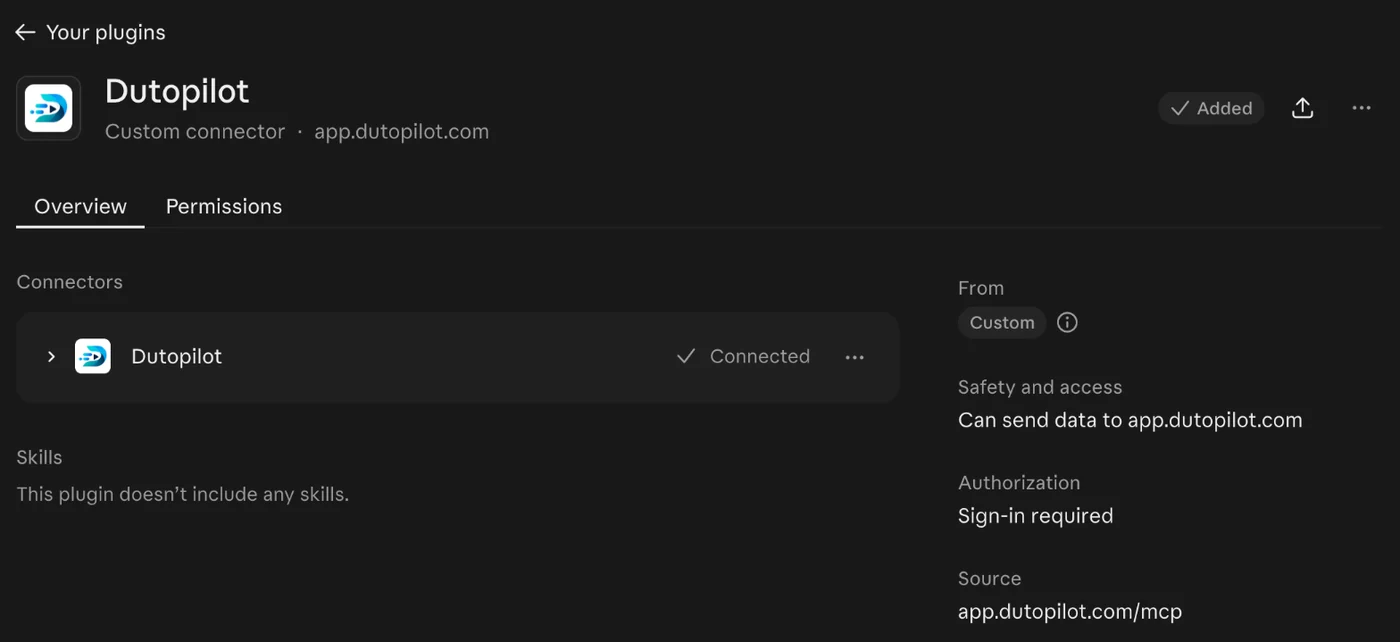
Dutopilot inside Claude
Add Dutopilot as a connector in Claude, sign in with an email code, then ask where your work stands or act on a ticket from the chat. Claude sees only what your own role allows, and the connection ends after 7 days without use.

Every ticket in one place
Every open ticket has one stage and one status, so the counts add up. You see at a glance what is running, what waits for a free AI place, what only needs you and what is paused.
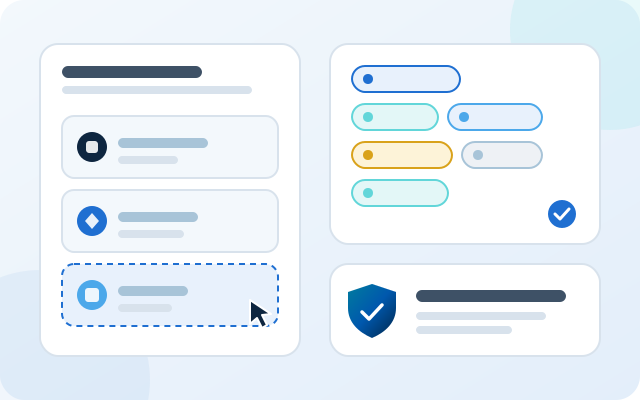
A shorter setup
Setup lets you choose your project board (GitHub Issues, Jira, Linear, Notion or Azure DevOps), creates your ready and status labels in GitHub for you and lets you choose where a person signs off, and everything else runs on its own. People you invite are signed in by their link.
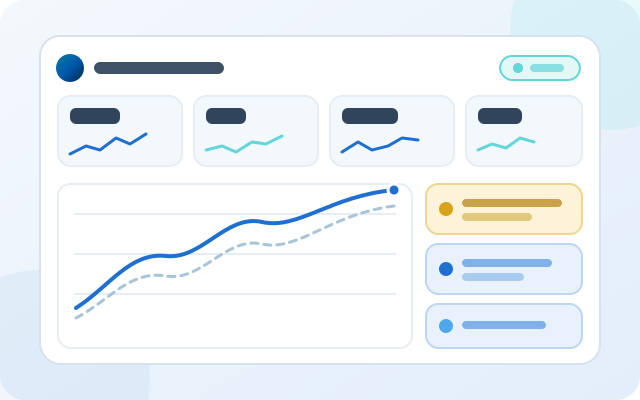
SEO at a glance
One card per site shows a status, four numbers with their trend and up to three things worth a look. Open a site for a graph that compares this period with the previous one.
Claude and MCP
-
Feature
Connect Claude to your projects
Add Dutopilot as a connector in Claude and your assistant can reach your projects from a chat, so you can check on a ticket without opening the dashboard.
-
Feature
Sign in with an email code, stay in control
Sign in with a six-digit code sent to your email. Claude then acts as you, with the access your role already gives you. The connection ends after 7 days without use, and you can disconnect at any time in Claude.
-
Feature
Ask where your work stands
Ask Claude where one ticket, one project or all your projects stand, and it answers from the same view as your Overview page, so the chat and the dashboard show the same picture. When the list is long it shows the most urgent tickets first and says how many it left out.
-
Feature
Act on a ticket from the chat
Claude can take an action on a ticket, such as pausing it, but only one the dashboard offers for that ticket right now and your role allows. If the ticket changed after Claude looked, Claude is told in plain words and shown the actions available now. The action is recorded in the same audit trail as the dashboard and marked as done through Claude.
Dashboard
-
Improvement
See where a ticket is
Each open ticket sits in one stage (To do, Plan, Build, Review or Ship) and has one status (Working now, Waiting, Needs you or Paused), so the tab counts add up. A paused ticket stays in the stage it paused in, and a ticket waiting for a free AI place says exactly that.
-
Improvement
Capacity in one line
Overview and Runs show one capacity line with how many Dutopilot virtual team members can work and how many wait for a limit reset.
-
Improvement
Paused and planning at a glance
A ticket a person stopped shows as paused, apart from a real question waiting for you, and a ticket still being planned shows as planning. Paused has its own status on GitHub Issues and Jira, and on Notion once you choose a status for it.
-
Improvement
A clear next step when page checks can't run
When the page checks for a sub-ticket cannot be set up, the dashboard says what happened, who needs to fix it (the site setup, the change or Dutopilot) and the one thing to do, such as checking again or fixing the site setup first.
-
Improvement
One consistent look for progress
Every progress bar on the dashboard has the same look, with a rounded track and a rounded fill. Codex usage shows as a bar for each usage window in the AI accounts list.
-
Improvement
Stay signed in while you work
A dashboard session lasts 7 days from its last use, on each device on its own.
Setup and accounts
-
Improvement
Setup asks which project board you use
Guided setup offers GitHub Issues, Jira, Linear, Notion and Azure DevOps as equal choices, and settles the project board step when you pick one.
-
Improvement
Join your team in one click
Someone you invite opens the link and Start setup signs them in and takes them straight to the repository step. If the link was already used, they verify with an emailed code.
-
Improvement
Labels created for you
When you take tickets from GitHub Issues, setup creates Dutopilot's ready label and its status labels in your repository, each with a short description, so you can mark an issue ready in GitHub straight away. Labels you already have are left as they are.
-
Improvement
Six steps, and you choose the sign-offs
Guided setup has six steps. You choose where a person signs off, if anywhere, and everything else runs on its own. You can change it at any time on the Setup page.
-
Feature
Early access: GitHub Copilot as an AI account
Under Setup, AI accounts, choose GitHub Copilot and sign in with the one-time code GitHub shows you. Dutopilot first checks that the account has Copilot and a premium-request allowance, and holds the account if Copilot refuses. Use beyond your plan's allowance is billed by GitHub, within the budget you set there.
SEO
-
Feature
An SEO dashboard built around your sites
The SEO area now has one card per site, the ones that need something first. Each card shows a status, four numbers with their change and a trend line, and up to three things worth a look. Open a site for a graph that compares with the previous period, and pages for searches, pages, visitors and the weekly check.
Reliability
-
Improvement
Built around Notion's limits
Dutopilot paces its calls to Notion to stay under Notion's limit for each integration. When Notion asks it to slow down, every call on that integration waits, so builds keep going while files are attached to a ticket.